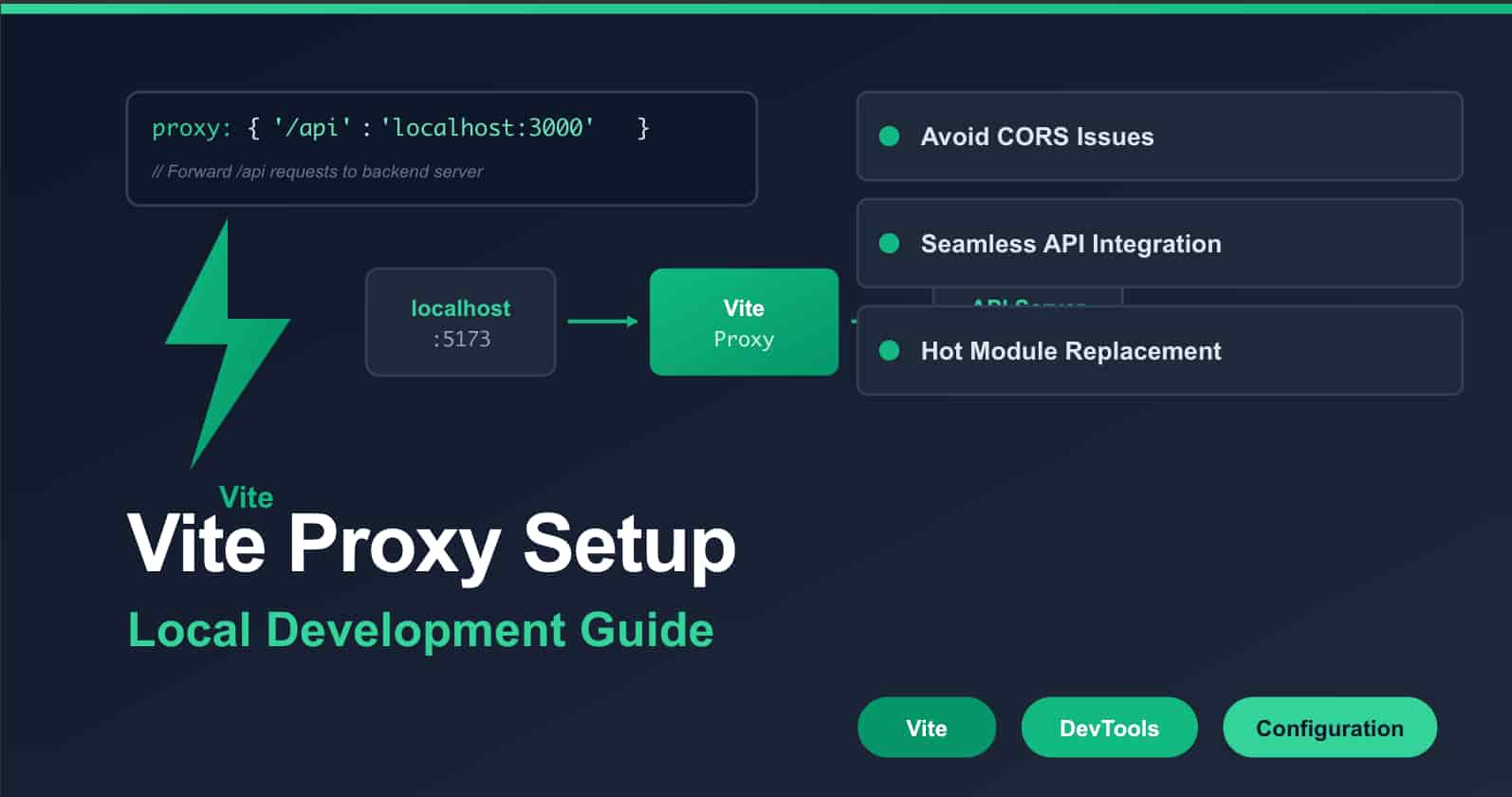
Introduction: Why You Still Get CORS Errors
If you're building web apps in 2026, you're probably using Vite. It's fast, it's modern, and it's become the default choice for most projects. But there's one area where developers keep running into problems: getting their frontend to talk to their backend during development.
Here's the typical situation: your React app runs on localhost:5173, your API server runs on localhost:3000, and when you try to fetch data, the browser blocks it with a CORS error. You've probably tried the usual fixes - adding CORS headers to your backend, installing browser extensions, or even disabling browser security. These are temporary fixes that create more problems than they solve.
Vite has a built-in solution: the development proxy. It's simple in concept but has some hidden features that most developers don't know about. Let me show you how to use it properly.
Basic Setup (That Actually Works)
First, the simple version. In your vite.config.js:
export default {
  server: {
    proxy: {
      "/api": "http://localhost:3000",
    },
  },
};
This tells Vite: "When you see a request to /api/something, send it to http://localhost:3000/something instead."
But here's where people get stuck. If your backend is on a different port (which it usually is), you need to use the object syntax:
export default {
  server: {
    proxy: {
      "/api": {
        target: "http://localhost:3000",
        changeOrigin: true,
        secure: false,
      },
    },
  },
};
Let me explain what these options do:
target: Where your backend is runningchangeOrigin: Changes theHostheader to match the target. Some backends need this, especially for authenticationsecure: false: Allows self-signed certificates (useful for HTTPS in development)
Common Problems and Solutions
Problem 1: "My API calls work in Postman but not in the browser"
This is almost always a CORS issue. The proxy solves it by making requests come from the same origin (your Vite dev server) instead of crossing origins.
Problem 2: "Authentication doesn't work locally"
Many authentication systems (like OAuth providers) check the request origin. When you set changeOrigin: true, Vite changes the Host header to match your backend, which fixes most authentication issues.
proxy: {
  '/api': {
    target: 'http://localhost:3000',
    changeOrigin: true,  // This is important!
    // ... other options
  }
}
Problem 3: "I need to remove /api from my requests"
Sometimes your frontend expects /api/users but your backend expects just /users. Use the rewrite option:
proxy: {
  '/api': {
    target: 'http://localhost:3000',
    rewrite: (path) => path.replace(/^\/api/, '')
  }
}
Now when you fetch /api/users, Vite sends /users to your backend.
Advanced Configurations
Multiple Backends
If you're working with microservices or multiple APIs:
proxy: {
  '/api/users': {
    target: 'http://localhost:3001',
    changeOrigin: true
  },
  '/api/products': {
    target: 'http://localhost:3002',
    changeOrigin: true
  },
  '/legacy': {
    target: 'http://localhost:8080',
    changeOrigin: true,
    rewrite: (path) => path.replace('/legacy', '/old-api')
  }
}
WebSocket Support
If your app uses WebSockets (for chat, real-time updates, etc.):
proxy: {
  '/socket.io': {
    target: 'ws://localhost:3000',
    ws: true,
    changeOrigin: true
  }
}
The ws: true option is crucial here. Without it, WebSocket connections won't proxy correctly.
Debugging Proxy Issues
When things aren't working, add logging to see what's happening:
proxy: {
  '/api': {
    target: 'http://localhost:3000',
    changeOrigin: true,
    configure: (proxy, _options) => {
      proxy.on('proxyReq', (proxyReq, req, _res) => {
        console.log(`Proxying: ${req.method} ${req.url}`)
      })
    }
  }
}
This will log every proxied request to your terminal, which helps identify where requests are going (or not going).
Important Caveats
1. This Only Works in Development
The proxy configuration only affects the Vite development server. When you run npm run build and deploy your app, the proxy settings are ignored. This confuses a lot of developers.
In production, you need to handle routing differently - usually with a reverse proxy like Nginx, or by configuring your hosting provider.
2. Path Matching Can Be Tricky
Vite uses pattern matching that's different from what you might expect. If you're having trouble, try being more specific:
// This might not work as expected:
'/api/*': 'http://localhost:3000'

// This is more reliable:
'^/api/.*': 'http://localhost:3000'
3. Localhost Issues
If you're on Node.js 17 or later, you might encounter DNS issues. Add this to the top of your config file:
import dns from "dns";
dns.setDefaultResultOrder("verbatim");
This forces Node.js to use IPv4 for localhost, which is more reliable.
Production Considerations
Since the proxy doesn't work in production, structure your API calls like this:
// Use environment variables or a config that changes based on the environment
const API_BASE = import.meta.env.DEV ? "/api" : "https://api.yourdomain.com";

async function getUsers() {
  const response = await fetch(`${API_BASE}/users`);
  return response.json();
}
In development, requests go to /api/users (and get proxied). In production, they go directly to your API server.
Quick Checklist
Before you finish setting up your proxy, ask:
- ✅ Does it use
changeOrigin: truefor auth? - ✅ Are WebSocket connections working (if needed)?
- ✅ Are cookies being sent/received correctly?
- ✅ Can you see what's happening with logging?
- ✅ Have you tested both development and production builds?
Final Thoughts
The Vite dev proxy is one of those tools that's simple on the surface but has depth when you need it. Once you set it up correctly, you can forget about CORS errors and focus on building your app.
The key insight is that you're creating a development environment that mimics production as closely as possible. Your frontend code shouldn't need to know whether it's talking to a proxy or a real backend.
Take 10 minutes today to check your Vite proxy configuration. Make sure it's handling all your API routes, supporting any WebSocket connections, and properly forwarding headers and cookies. It's one of those infrastructure tasks that pays off every single day you're developing.
And remember - if something's not working, add the logging configuration I showed you. Being able to see what requests are being made (and where they're going) solves most proxy problems immediately.